

Why ARP Can Be Spoofed
ARP (Address Resolution Protocol) solves a simple problem: I know the target IP — how do I find its MAC address? The flow is a broadcast question ("Who is 192.168.1.1?") followed by a unicast reply ("I am; my MAC is xx:xx:xx:xx:xx:xx").
The problem: ARP has no authentication mechanism whatsoever. A host that receives a reply updates its ARP cache unconditionally — regardless of whether the reply answers its own question, and regardless of whether a valid entry already exists. An attacker who keeps sending "I am the gateway" replies can redirect traffic to their own machine.
What the Attack Traffic Looks Like
ARP spoofing has a very distinctive shape in a packet capture. Remember three signals:
Signal 1: One IP mapping to multiple MACs
On a healthy network, an IP's MAC is stable. If the same IP appears behind two different source MACs in a capture, someone is almost certainly answering on its behalf.
Signal 2: Unsolicited ARP reply storms
Normal ARP replies always follow a request (and are unicast). If you see large volumes of gratuitous ARP (unsolicited ARP) — broadcasting "I am the gateway" without anyone asking — that is the classic prelude to spoofing. In the real sample, one ARP storm file reached 622 packets, every one of them ARP, with no TCP/UDP traffic at all — a strikingly abnormal pattern.
Signal 3: The gateway MAC suddenly changes
Under continuous monitoring, the gateway IP's MAC changes from A to B (and it is not a legitimate device replacement), accompanied by shifts in the traffic path and intermittent TLS certificate anomalies — hard proof that a man-in-the-middle is at work.
How-to: Three-Step Detection
Step 1: Open the pcap and check the protocol distribution first. PcapDecoder produces protocol statistics as soon as parsing completes. If ARP accounts for an abnormally high share (say, more than half of all packets), go straight to step two.
Step 2: Filter for ARP packets and review the replies. Open the protocol filter and show only arp packets. Inspect each ARP reply one by one: is the source-IP-to-source-MAC mapping stable, and are there packets that answer without anyone asking?
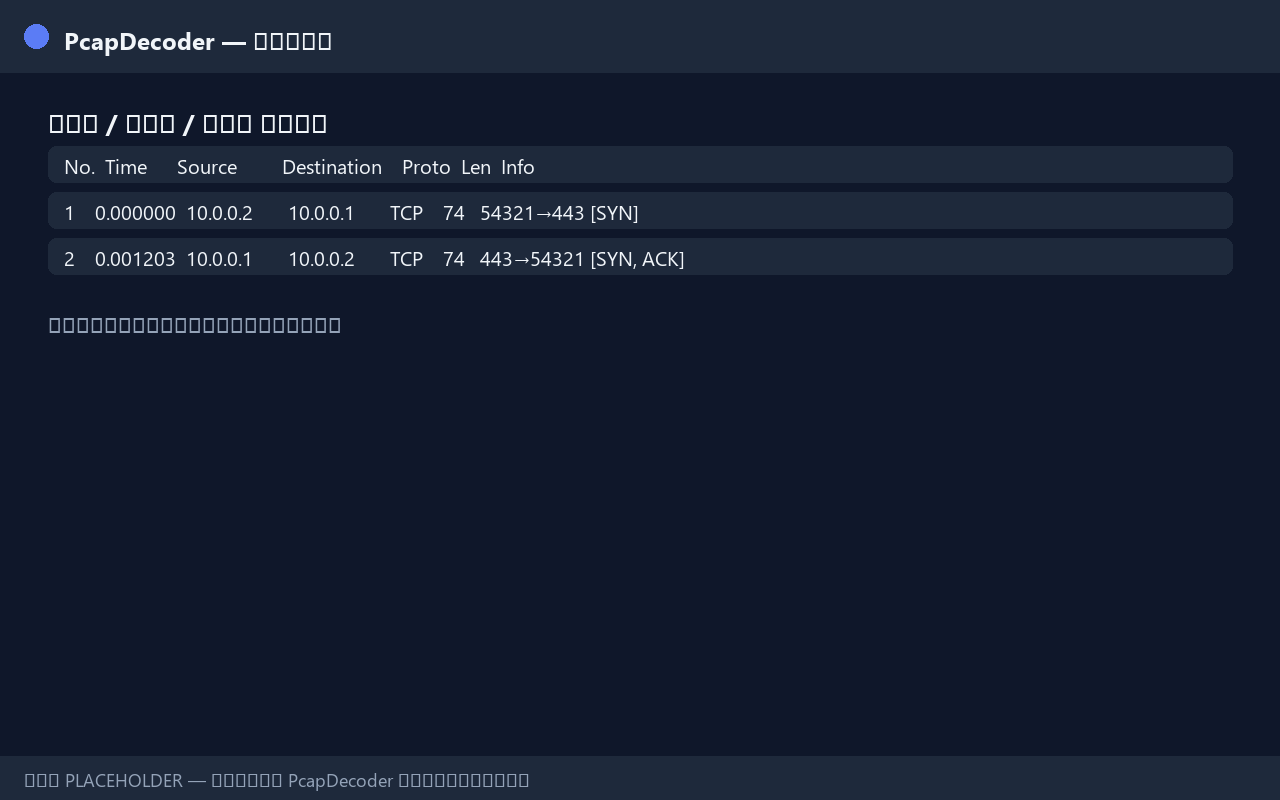
Step 3: Run a deep scan for cross-validation. PcapDecoder's anomaly detection module flags patterns such as ARP storms and gateway MAC drift as anomaly events. If you also see TLS certificate anomalies or redirections to unfamiliar IPs, you can classify it as a man-in-the-middle attack.
Real-Sample Verification
Tested against Wireshark's official test sample arp-storm.pcap: all 622 packets are ARP, with no upper-layer traffic whatsoever. This "pure ARP flood" pattern usually corresponds to two scenarios:
- A network loop or misconfiguration: a switch loop causes ARP broadcasts to replicate indefinitely, showing up as enormous volumes of both requests and replies with repetitive content;
- Scanning or an attack: the attacker uses a tool (such as arpspoof) to keep sending spoofed replies, characterized by replies clearly outnumbering requests and clustering on a small number of IP-MAC pairs.
How to tell them apart: look at the request-to-reply ratio. In a loop scenario both are numerous and intermingled; in a spoofing scenario replies far outnumber requests. PcapDecoder's statistics panel reports the counts separately, making the distinction clear at a glance.
What to Do After Confirming
- Stop the bleeding first: identify the affected network segment, then shut down the suspicious port on the switch or move it into an isolation VLAN;
- Locate the attacker: look up the anomalous MAC in the switch port table to physically track down the machine;
- Harden the network: enable Dynamic ARP Inspection (DAI) on access switches, and set static ARP bindings on servers and gateways;
- Conduct a post-mortem: if a business system was hijacked, check whether sensitive data was exfiltrated over plaintext protocols (HTTP, FTP, SMTP).
A successful ARP spoofing attack often exposes a deeper problem: too much plaintext protocol traffic still runs on the internal network. Run a scan with PcapDecoder and see how many "easy pickings" — HTTP plaintext credentials, FTP passwords, and the like — are lying around: "How to Find Plaintext Credentials in Traffic" covers this in a dedicated article.
Related reading: "How to Diagnose a Slow Network with Packet Capture".