
Tutorials
9 articles

From Evidence to Deliverable: One-Tap PDF Reports in the Report Workbench
Last night's incident has to reach the client this morning, but the evidence is spread across dozens of panels and manual write-up would take a day. This walkthrough shows how PcapDecoder's report workbench assembles the chapters for you and exports a professional PDF in one tap — with an honest account of what requires Pro.
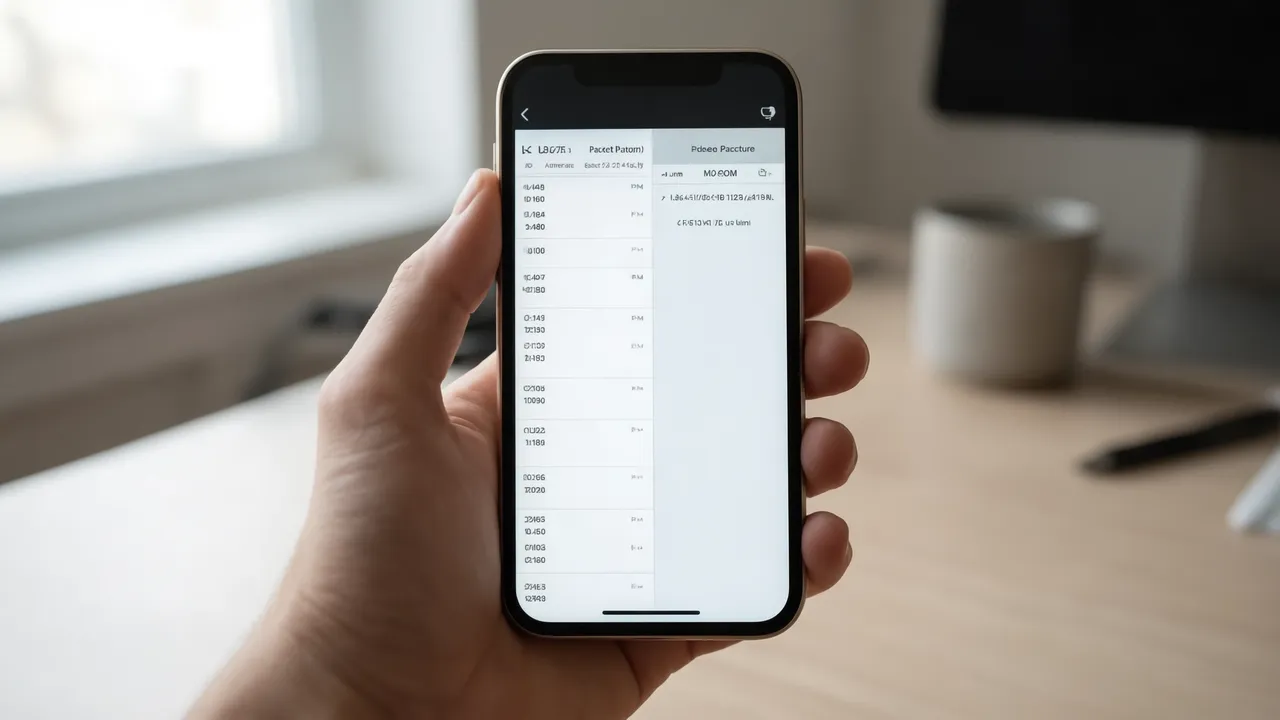
A PCAP Arrived on Your Phone: Viewing It Right on iPhone/iPad
A colleague sends a .pcap over WeChat or email and all you have is an iPhone. No laptop required. This guide walks through the whole flow for a pcap viewer iOS setup: pick the file in Files or the chat, share it into the app, then read the conversation list and packet details — fully offline, nothing leaves the device. If you've wondered how to get pcap on iPhone, this is the short version.

From Plain Language to Display Filters: Filter Packets Without Wireshark Syntax
A 3 a.m. alert says one host is retransmitting like crazy, but you can never remember the display filter syntax. This walkthrough shows how PcapDecoder's AI filter builder turns a plain-English sentence into an executable filter in three steps — and how the 14-language offline engine still works when no AI is configured.
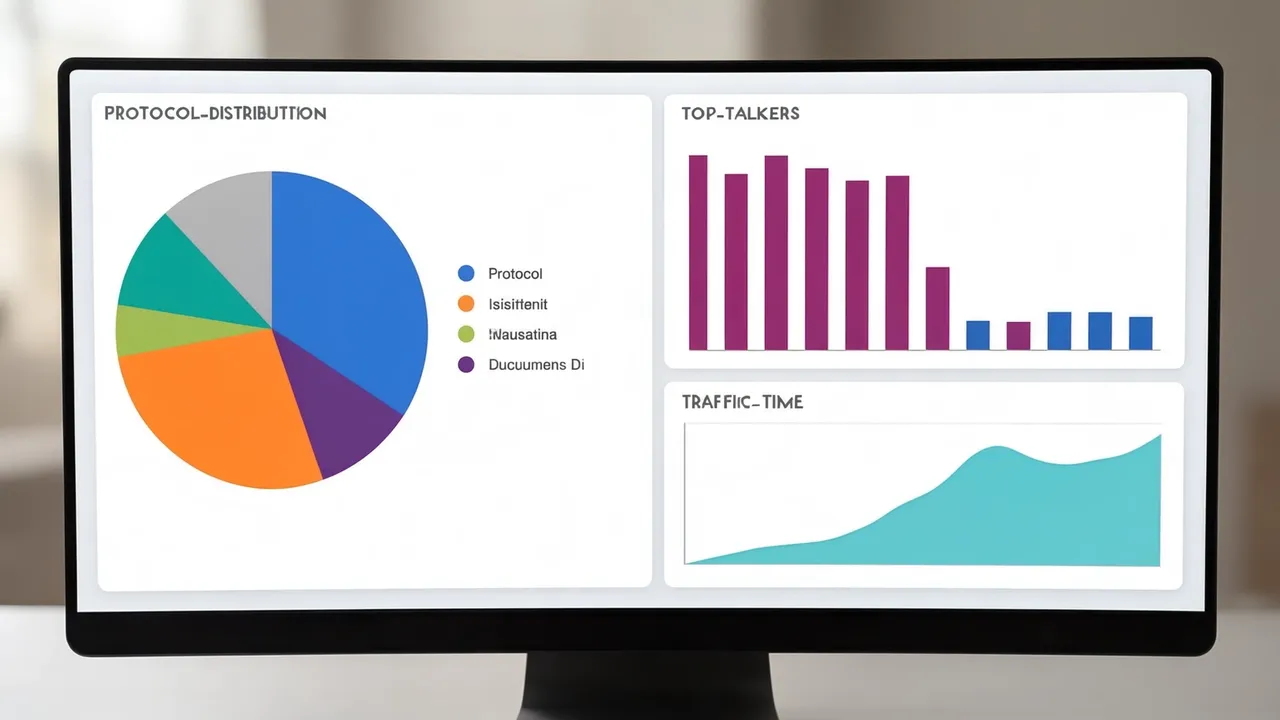
What Does "Network Traffic Analysis" Actually Look At? Building a Global View from the Stats Page
A good network traffic analysis tool should tell you what a capture is about before you read a single packet. This guide uses the stats page as a map: protocol distribution, endpoints and conversations, TLS grade and anomaly findings — four stops that turn a raw pcap into a global judgment in about thirty seconds.
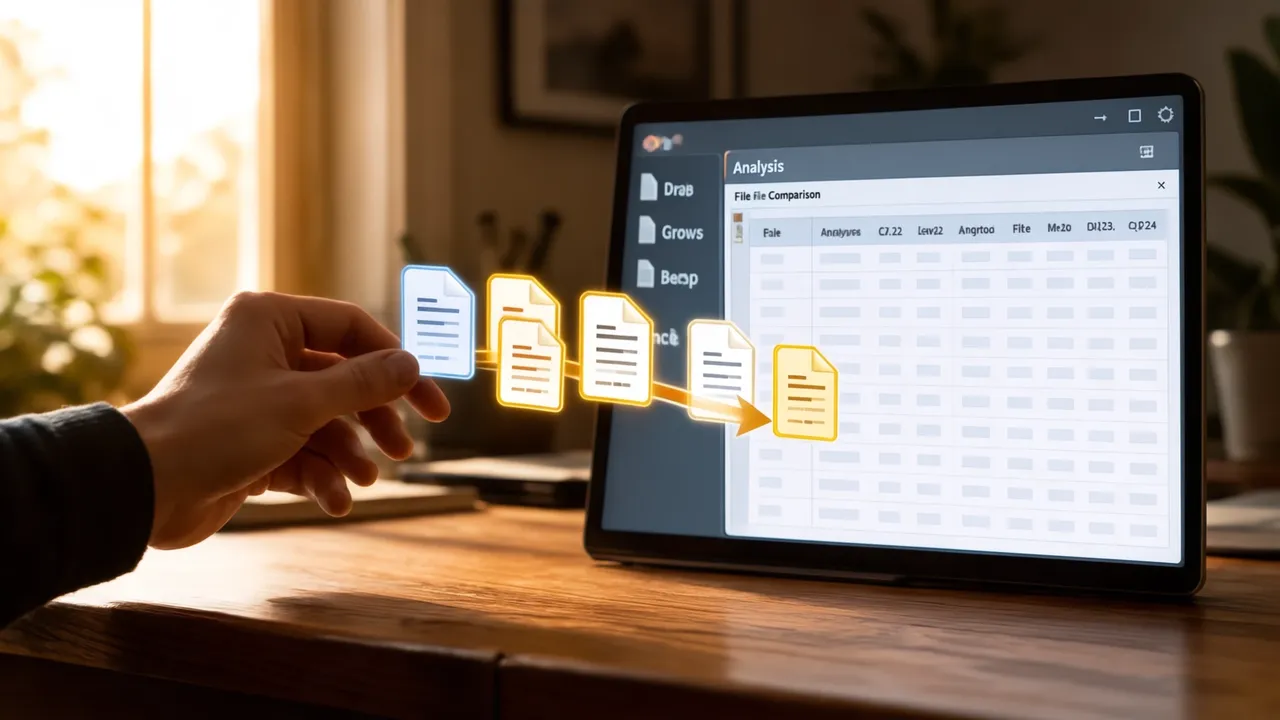
Drop a Week of Captures at Once: Batch Analysis and Multi-File Comparison
Monday morning, and twenty captures from last week need a once-over. Opening them one by one won't finish before lunch. Here's how to process a whole folder at once in PcapDecoder, compare packet counts, bytes, and findings side by side, then export a summary for the odd one out.

Wi-Fi Health Scoring: How 12 Checks Produce a Single Number
Wireless capture is not only about spotting deauth attacks. From cipher suites, PMF bits and WPS bits in beacons to packet-level PMKID exposure and deauth floods, a set of configuration checks can turn 'is this Wi-Fi secure and usable' into a score. This article explains the scoring model and the criterion behind each of the 12 checks.

How to Decrypt HTTPS Traffic: TLS Decryption with keylog (HTTP/2 & QUIC)
Captured HTTPS is ciphertext by default — decrypting it is the hardest step in any HTTPS traffic analysis. With the client's SSLKEYLOGFILE the whole session becomes readable. This guide covers where keylogs come from, how to import them, how far recovery goes, and how TLS 1.3, HTTP/2 and QUIC each differ.

WPA3 Handshake Analysis: SAE and Dragonfly Explained
WPA3 replaces WPA2's four-way handshake with SAE (the Dragonfly handshake), dramatically improving resistance to offline dictionary attacks. Using real packet capture samples, this article breaks down the message forms of the WPA3 handshake and the complete workflow for analyzing wireless captures with PcapDecoder.

USB HID Traffic Analysis: Reconstructing Keystrokes and Mouse Movement
Every keystroke and mouse movement is hidden in plain sight inside USB captures. This article explains the structure of the USB HID protocol in packet captures, how to reconstruct keyboard and mouse traffic, and how to use PcapDecoder to detect malicious keystroke injection.