
What Is NetSupport?
NetSupport Manager is a long-standing commercial remote control product with a full feature set: screen viewing, file transfer, remote execution, registry editing — enterprise IT teams buy it for remote support.
The problem: a fully-featured legitimate remote admin tool = a fully-featured RAT. Attackers don't need to write their own remote-access trojan; delivering a single NetSupport installer grants complete control capability. This "abuse of legitimate software" playbook is the same one used against ScreenConnect and AnyDesk, and the challenge for traffic analysis is that its traffic looks like normal software communication, not like a traditional trojan.
Signals of Abusive Traffic
Signal 1: Geolocation service lookups
On startup, the NetSupport client queries geo.netsupportsoftware.com for geolocation. This domain appearing in an internal host's DNS queries is itself an anomaly — no host in a normal office environment would query it proactively.
Signal 2: Fixed-IP direct callbacks
Malicious configurations typically hard-code the C2 address as an IP (no domain, to resist takedowns). In the real-world sample, the callback address is 194.180.191.64 — a direct IP, TLS-encrypted, with persistent connections.
Signal 3: Fully encrypted egress + SNI anomalies
Modern RATs use HTTPS as standard. The capture reveals no content, but the SNI in the TLS handshake exposes the target domain — in the real-world sample, the two suspicious domains depostsolo.biz and banks-canada.com appeared in the SNI extraction results.
Signal 4: Causal link to a loader
The infection chain in the sample is SmartApeSG loader → NetSupport download. In the capture you first see the loader's suspicious download, then NetSupport's signature domains — the causal chain in time is the key to classification.
How-to: Detection Workflow
Step 1: Hunt anomalous domains in DNS extraction. Open the capture; PcapDecoder automatically extracts all DNS query domains. Focus on: remote admin vendor domains (netsupportsoftware, anydesk, screenconnect), unfamiliar newly registered domains, and geolocation services unrelated to your business.
Step 2: Use SNI extraction to cover fully encrypted traffic. All-HTTPS egress may leave no trace at the DNS layer, but the SNI in the TLS ClientHello is plaintext — PcapDecoder extracts the SNI list separately so you can cross-reference both dimensions.
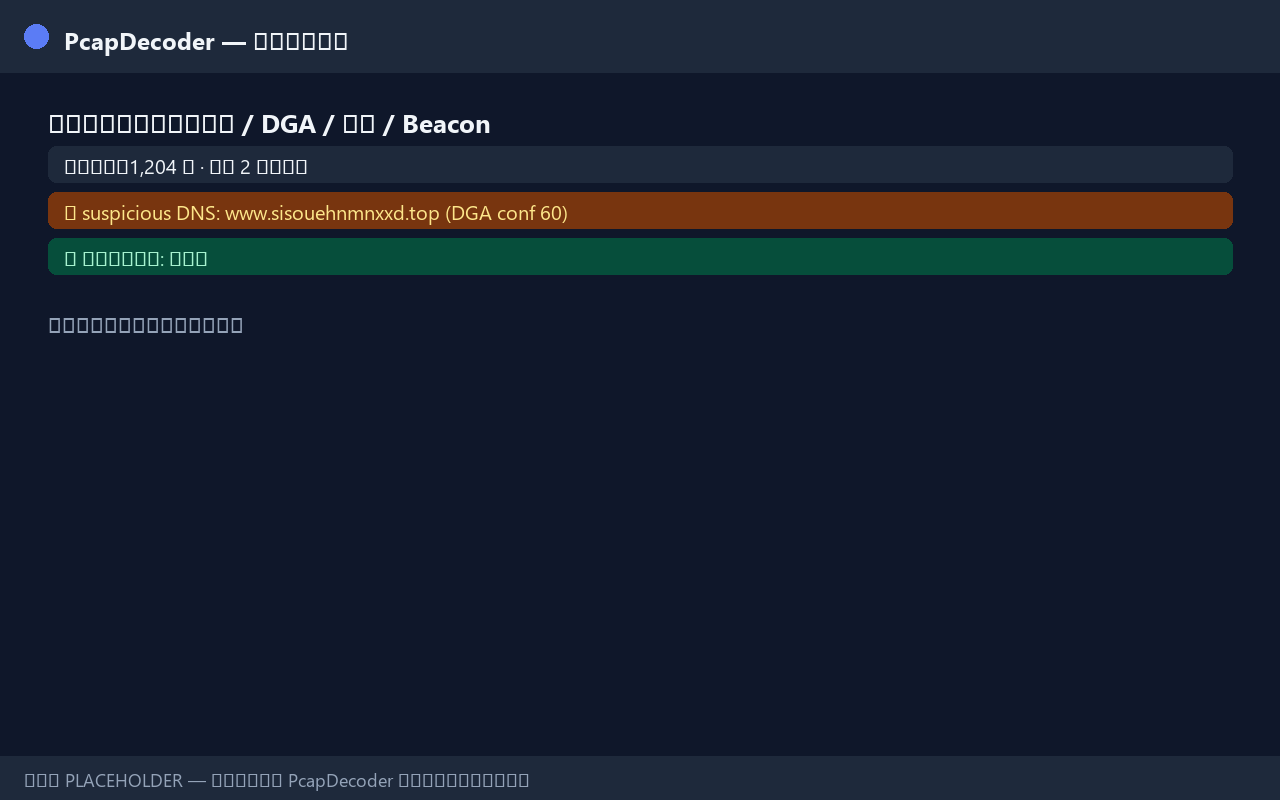
Step 3: Analyze session behavior. For suspicious egress IPs, examine connection characteristics: connection duration (RAT long-lived connections vs. ordinary short-lived requests), traffic direction (remote control is dominated by inbound traffic), and connection rhythm (heartbeat regularity).
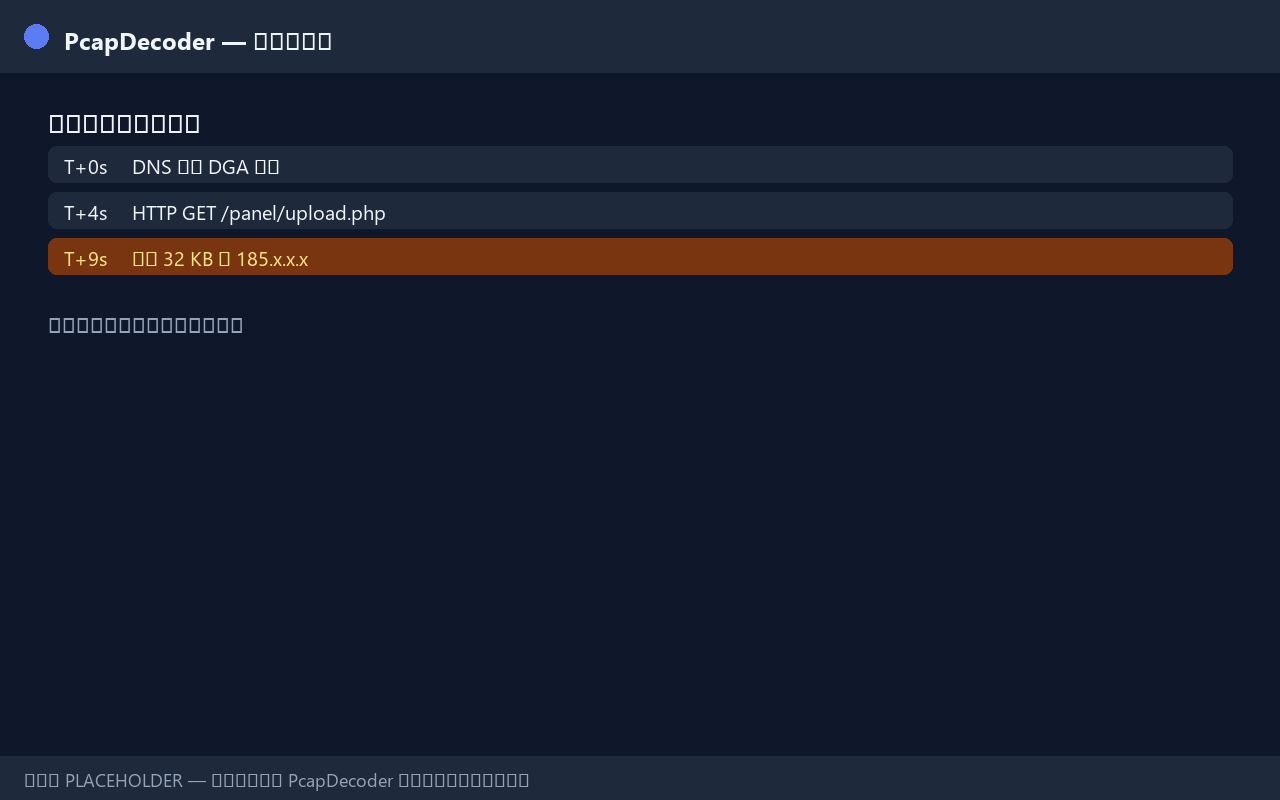
Step 4: Reconstruct the attack timeline. String together loader activity, NetSupport domain queries, and connection establishment in time order — the full "infection → deployment → callback" chain becomes obvious at a glance.
Real-Sample Verification
Real-world results from the Malware Traffic Analysis 2024-12-17 sample (SmartApeSG → NetSupport RAT):
- DNS extraction:
geo.netsupportsoftware.comwas extracted accurately — the gold-standard indicator for identifying NetSupport activity; - SNI extraction:
depostsolo.bizandbanks-canada.comwere extracted from encrypted traffic — both domains travel only via DNS/SNI, with no HTTP plaintext whatsoever; - HTTP hosts: the direct egress to
194.180.191.64appears in the session list; - Writeup erratum: in the sample writeup,
taktlat.xyzwas mis-typeset astactlat— domains in traffic analysis must be verified character by character; a one-letter difference is two entirely different IOCs.
Telling It Apart from Legitimate Use
This is where this type of analysis most easily goes wrong. For the same NetSupport traffic, the criteria are:
| Dimension | Legitimate ops | Malicious abuse |
|---|---|---|
| Deployment source | Official installer + asset registry entry | Silently downloaded by a loader, no install record |
| Usage window | Business hours, matching tickets | Active outside business hours, no ticket |
| Operation records | Session logs, administrator accounts | No records, or anomalous accounts |
| Network path | Relayed through managed servers | Direct connection to unfamiliar IPs |
| Host role | Ops workstation | Ordinary office host (most suspicious) |
In short: judge by deployment source and usage context, not by the software itself. An ops workstation connecting to a NetSupport server during business hours, and an admin-department office machine connecting to an unfamiliar IP at 3 a.m., are two entirely different stories.
Related reading: Snake KeyLogger Traffic Analysis, How to Detect Formbook's DGA Domains.